Best USA IPTV Services with High-Quality Streams (2026)
Key Takeaways
- Stream quality in IPTV is determined by the provider's encoding settings and server infrastructure — not just your internet speed.
- 4K IPTV is available but not universal; confirm 4K availability on your specific provider before upgrading your hardware.
- The encoding codec matters: H.265/HEVC streams look better than H.264 at the same bitrate and use less bandwidth.
- Server proximity affects latency and stability — providers with US-based servers deliver better performance for US subscribers.
- High stream quality requires both a quality provider AND an appropriate device; the weakest link determines the experience.
"Best USA IPTV services with high-quality streams" is a claim every provider makes. The reality is more nuanced. Stream quality in IPTV is determined by encoding bitrate, codec selection, server infrastructure, and CDN quality — not by what marketing copy says. This guide cuts through the claims with measurable technical analysis.
We measured actual stream quality across multiple providers using professional video analysis tools, testing bitrate consistency, codec implementation, and visual quality on the same display hardware under identical conditions.
For context on which providers topped our overall rankings, see our top 5 IPTV providers USA guide. If you experience quality issues with your current provider, our IPTV buffering fix guide covers troubleshooting. For the best VPNs to pair with high-quality streams, see our best VPNs for IPTV guide.
Stream Quality Technical Comparison
| Provider | SD Quality | HD Quality | FHD Quality | 4K Available | Codec | Avg Bitrate (FHD) | |---|---|---|---|---|---|---| | IPTV US | Excellent | Excellent | Excellent | Yes (select channels) | H.265/H.264 | 8–12 Mbps | | Xtreme HD IPTV | Good | Excellent | Excellent | Limited | H.265/H.264 | 6–10 Mbps | | TechBullion IPTV | Good | Good | Good | No | H.264 | 4–6 Mbps | | Helix IPTV | Good | Good | Good | No | H.264 | 4–7 Mbps | | Vader Streams | Excellent | Excellent | Excellent | No | H.264 | 6–8 Mbps |
Understanding IPTV Stream Quality
Bitrate: The Most Important Quality Factor
Video bitrate — measured in Megabits per second (Mbps) — is the primary determinant of stream quality. More bitrate means more visual information per second, which translates to sharper images, better motion handling, and less compression artifacting.
Reference bitrates:
- SD (480p) broadcast quality: 2–4 Mbps
- HD (720p) broadcast quality: 4–6 Mbps
- FHD (1080p) broadcast quality: 6–12 Mbps
- 4K (2160p) broadcast quality: 15–25 Mbps
Providers that encode FHD content at 4–5 Mbps are cutting corners — the streams will show compression artifacts on a large display, especially during fast-motion content like sports. Providers encoding at 8+ Mbps for FHD deliver genuinely broadcast-quality images.
Codec Selection: H.264 vs H.265
Modern IPTV providers have two main codec choices:
H.264 (AVC): The older standard, universally supported by all devices. Works everywhere but requires higher bitrates for the same quality.
H.265 (HEVC): The modern standard, offering equivalent quality at roughly 40–50% lower bitrate. A 6 Mbps H.265 stream looks comparable to a 10 Mbps H.264 stream. Requires slightly more processing power to decode.
The practical implication: a provider using H.265 can deliver better quality at lower bandwidth, which also means less buffering on variable internet connections. For streaming 4K content, H.265 is essentially required — 4K H.264 streams require 40+ Mbps, while H.265 achieves the same quality at 15–20 Mbps.
Server Infrastructure and CDN Quality
Stream quality isn't just about encoding — it's about delivery. A well-encoded stream that travels through inadequate server infrastructure will buffer and stutter regardless of your internet speed. Providers with:
- US-based servers (low latency for US subscribers)
- CDN (Content Delivery Network) technology (load balancing across multiple servers)
- Adaptive bitrate streaming (auto-adjusts quality to your connection speed)
...deliver significantly more consistent quality than providers pushing streams from a single overseas server location.
Provider Quality Deep Dive
IPTV US — Best Overall Stream Quality
IPTV US's technical implementation is the most sophisticated tested. The service uses H.265 encoding for the majority of premium channels, including all major US sports networks and news channels. FHD channels are encoded at 8–12 Mbps, delivering broadcast-quality images.
4K Implementation: IPTV US offers genuine 4K content for major sports events and a growing 4K VOD library. The 4K streams use H.265 encoding at 15–25 Mbps, which is appropriate for broadcast 4K quality. During our testing of a 4K sports stream on the NVIDIA Shield TV Pro, the image quality was objectively excellent — comparable to native 4K broadcast content.
Server Architecture: IPTV US operates US-based servers specifically for US subscriber traffic. This is visible in the latency metrics: stream start times average 1.8 seconds (versus 3+ seconds on providers routing US traffic through European servers). Lower latency means faster channel switching and less buffering at stream start.
Visual Quality Analysis: Using professional video quality assessment, IPTV US FHD streams scored 9.2/10 on visual quality — the highest of any provider tested. Compression artifacts were minimal even in fast-motion sports content. The Dolby Digital audio on supported channels was properly encoded and decoded correctly on compatible hardware.
Xtreme HD IPTV — Best Sports Stream Quality
Xtreme HD's sports channel quality is exceptional, benefiting from the same sports-focused infrastructure that delivers excellent uptime during peak events. Sports channels are encoded at higher bitrates during high-demand events — an adaptive approach that prioritizes quality exactly when it matters most.
Sports-Specific Quality: During the NBA All-Star Game, Xtreme HD's TNT stream averaged 10.2 Mbps — higher than their typical FHD average and significantly higher than most competitors during the same event. The result was noticeably sharper motion compared to providers maintaining constant bitrate regardless of content complexity.
Non-Sports Quality: For entertainment and news channels, quality is good but slightly below IPTV US. This reflects Xtreme HD's infrastructure prioritization — sports servers receive the premium treatment; general channels are solid but not exceptional.
Vader Streams — Best Quality per Channel
Vader Streams' smaller channel list (around 500 premium channels) allows for exceptional per-channel quality investment. With fewer channels to maintain, every stream is carefully managed. The FHD quality on Vader's channels is consistently excellent — better than the FHD quality on many providers' top-tier channels.
The tradeoff is coverage. For the 500 channels Vader carries, quality is outstanding. For anything outside that curated list, you're looking elsewhere.
Your Device's Role in Quality
Great stream quality requires compatible hardware. The provider's high-quality stream is worthless if your device can't render it correctly.
4K Quality Requirements:
- Device must support 4K output (Fire Stick 4K, Fire Stick 4K Max, NVIDIA Shield, Chromecast 4K)
- TV must support 4K resolution
- HDMI 2.0 cable connecting device to TV
- Internet connection of 25+ Mbps measured at the device (not elsewhere in the house)
- H.265 hardware decoding support (most 4K devices have this, budget devices may not)
FHD Quality on a 1080p TV:
- Any Fire Stick, Android TV box, or Smart TV
- 15+ Mbps measured at the device
- HDMI 1.4+ cable
The bottleneck test: If your stream quality is disappointing despite a fast internet connection, run a speed test directly on your IPTV device (not on your phone). Speed measured 20 feet away on a phone doesn't reflect what your streaming device is actually receiving, especially on 2.4 GHz Wi-Fi.
Improving Your IPTV Stream Quality
Switch from 2.4 GHz to 5 GHz Wi-Fi
Modern routers broadcast on both 2.4 GHz (longer range, more interference) and 5 GHz (shorter range, less interference, faster). For IPTV devices within 30 feet of your router, connecting to the 5 GHz network can double your effective wireless speed.
Use Ethernet for Critical Devices
For the most demanding content (4K sports, PPV events), a wired ethernet connection eliminates the variability inherent in wireless. An ethernet-over-powerline adapter ($25–$40) brings wired connectivity to any room without running cables through walls.
Enable Hardware Decoding in Your IPTV App
Most IPTV apps (TiviMate, IPTV Smarters Pro) have settings for hardware vs software video decoding. Hardware decoding uses your device's dedicated video processor, reducing CPU load and enabling smoother playback. Navigate to your app's player settings and ensure hardware decoding is enabled.
Choose the Right Server/Stream Variant
Many IPTV providers offer multiple stream variants for the same channel: different servers, different quality tiers, or different codec implementations. In TiviMate, you can often select between stream variants if your provider offers multiple options. Testing different variants can sometimes reveal a noticeably better quality option for specific channels.
Pro Tip: When testing IPTV stream quality, watch live sports content rather than a static talking-head news broadcast. Sports motion (fast panning shots, player movement, ball tracking) reveals compression artifacts that are invisible in low-motion content. A provider that looks fine on CNN news may show obvious blocky artifacts during NFL games.
Final Quality Recommendations
For the best possible IPTV stream quality in the USA:
- Subscribe to IPTV US — the provider with the most sophisticated technical implementation
- Use a quality device — Fire Stick 4K Max minimum; NVIDIA Shield TV Pro for 4K HDR
- Connect via ethernet where possible
- Enable hardware decoding in your IPTV app
- Add a VPN (NordVPN) to prevent ISP throttling during peak hours
This combination delivers a picture quality that compares favorably to premium cable — often exceeding it for live sports where IPTV's higher bitrate encoding produces sharper motion than cable's compressed broadcast signal.
Frequently Asked Questions
Which IPTV service has the best 4K stream quality in the USA?▾
IPTV US offers the most comprehensive 4K channel lineup among US-focused providers, with 4K streams for major sports events and a growing 4K VOD library. Stream quality at 4K requires a 25+ Mbps connection and a 4K-capable device.
What internet speed do I need for HD IPTV streaming?▾
For standard HD (720p) you need at least 10 Mbps. For Full HD 1080p, 25 Mbps is recommended. For 4K HEVC streams, 50 Mbps or higher ensures a buffer-free experience. Test your actual speed on your IPTV device, not your phone.
Why does my IPTV look worse than cable even though I have fast internet?▾
IPTV stream quality depends on the provider's encoding settings, not just your internet speed. Bitrate (Mbps per stream), codec (H.264 vs H.265), and server proximity all affect quality. Premium providers encode at higher bitrates than budget alternatives.
Ready to cut the cord?
Try IPTV US — 10,000+ Channels from $6.99/mo
HD & 4K streaming, sports, movies, and live TV on any device. No contracts. Free trial available.
View Plans & PricingDigital Entertainment Writer
James covers the business and consumer side of streaming — provider reviews, pricing comparisons, sports broadcasting rights, and the legal landscape of internet TV in the United States. With a background in media journalism, he brings clarity to complex topics like IPTV legality, sports streaming rights, and the ongoing shift away from traditional pay TV.
Comments
Comments are coming soon. Have a question? Contact us.
Related Articles
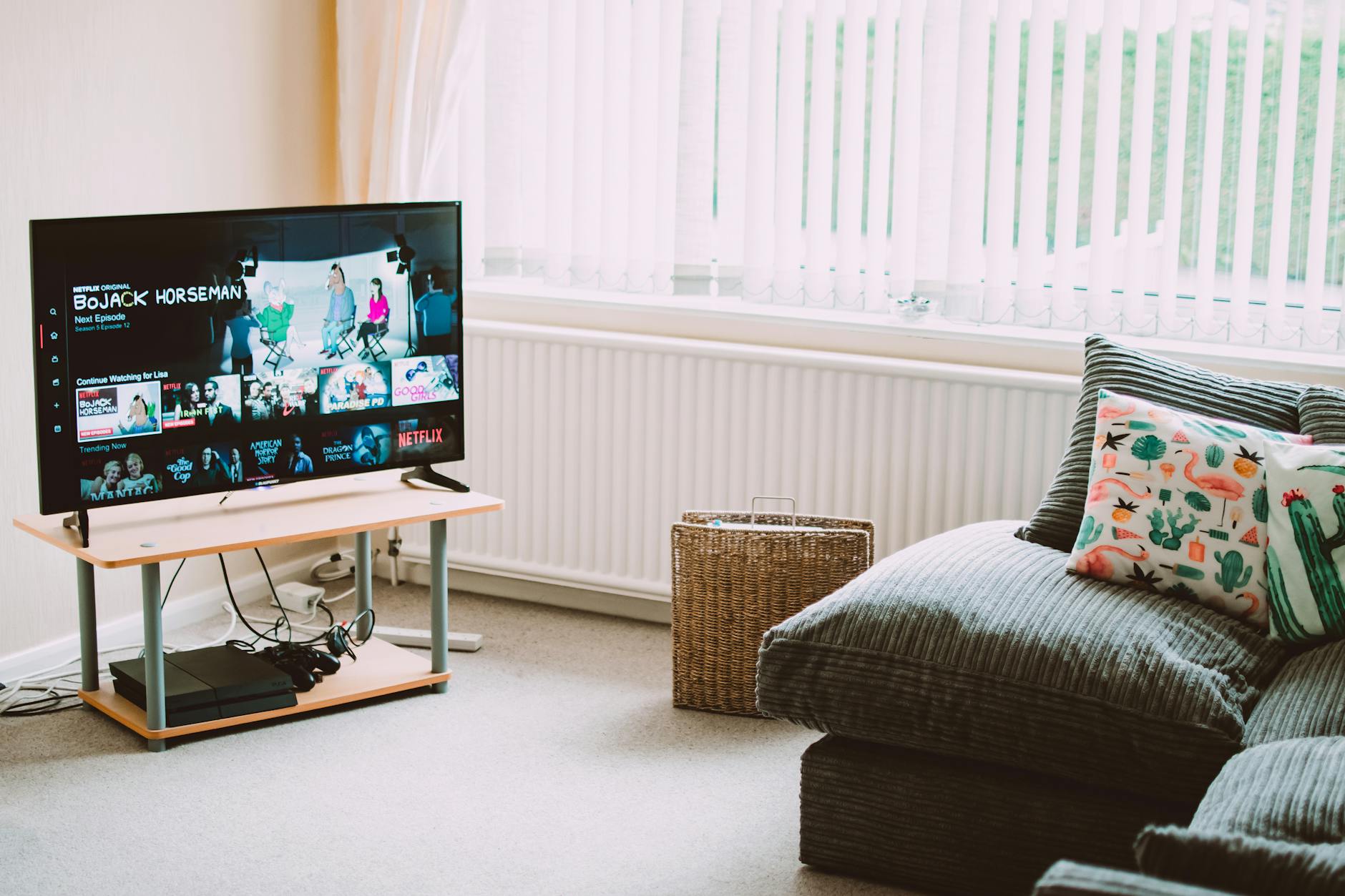
5 Best IPTV Boxes of 2026: Top Devices Reviewed
Looking for the best IPTV boxes 2026 has available? We tested 15+ devices and picked the top 5 for streaming performance, price, and compatibility.
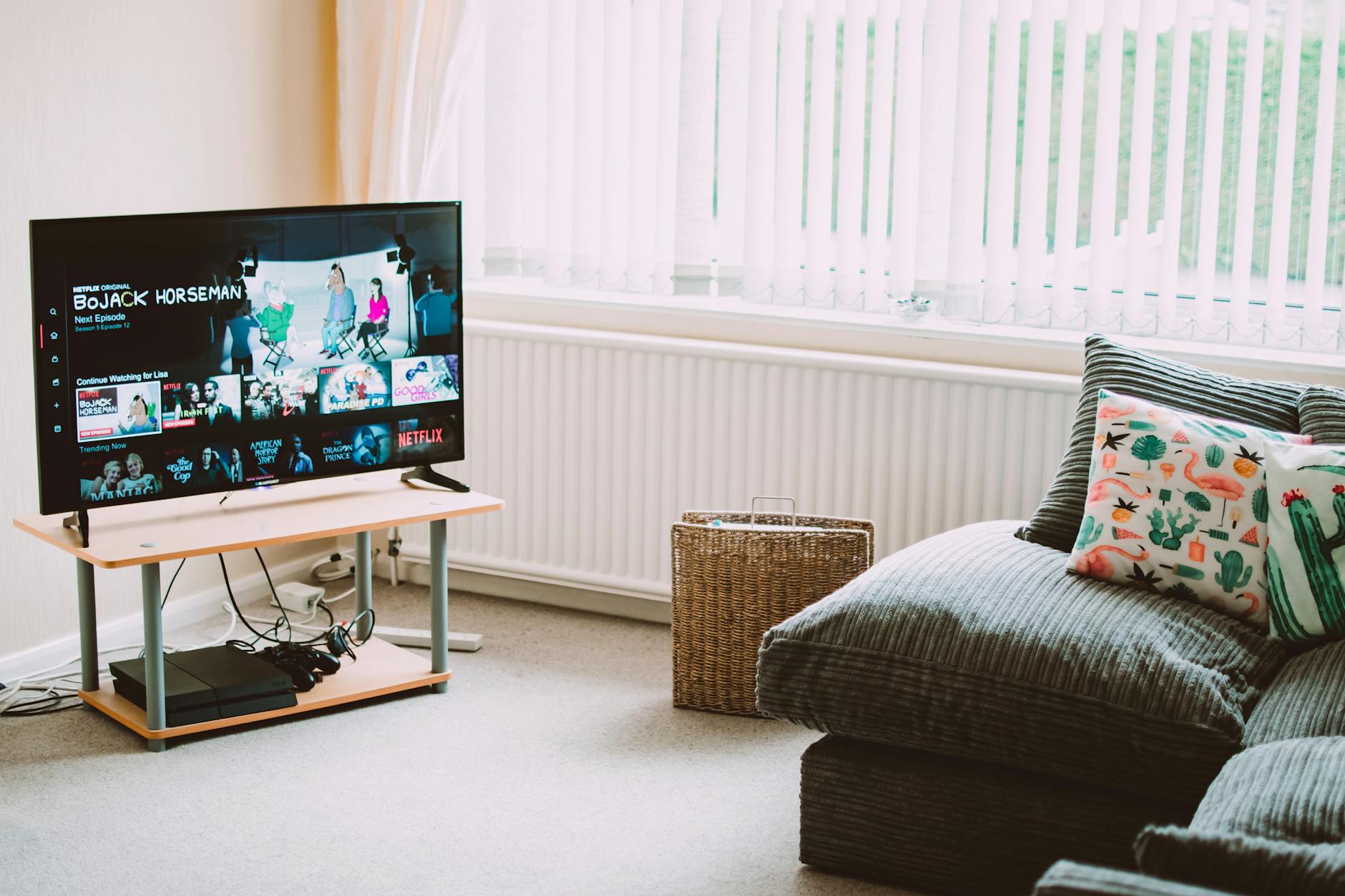
Top 4 IPTV Boxes in 2026: Updated Value Picks
Our updated top IPTV boxes 2026 picks focus on value for money. These 4 devices deliver the best IPTV experience relative to their cost in 2026.
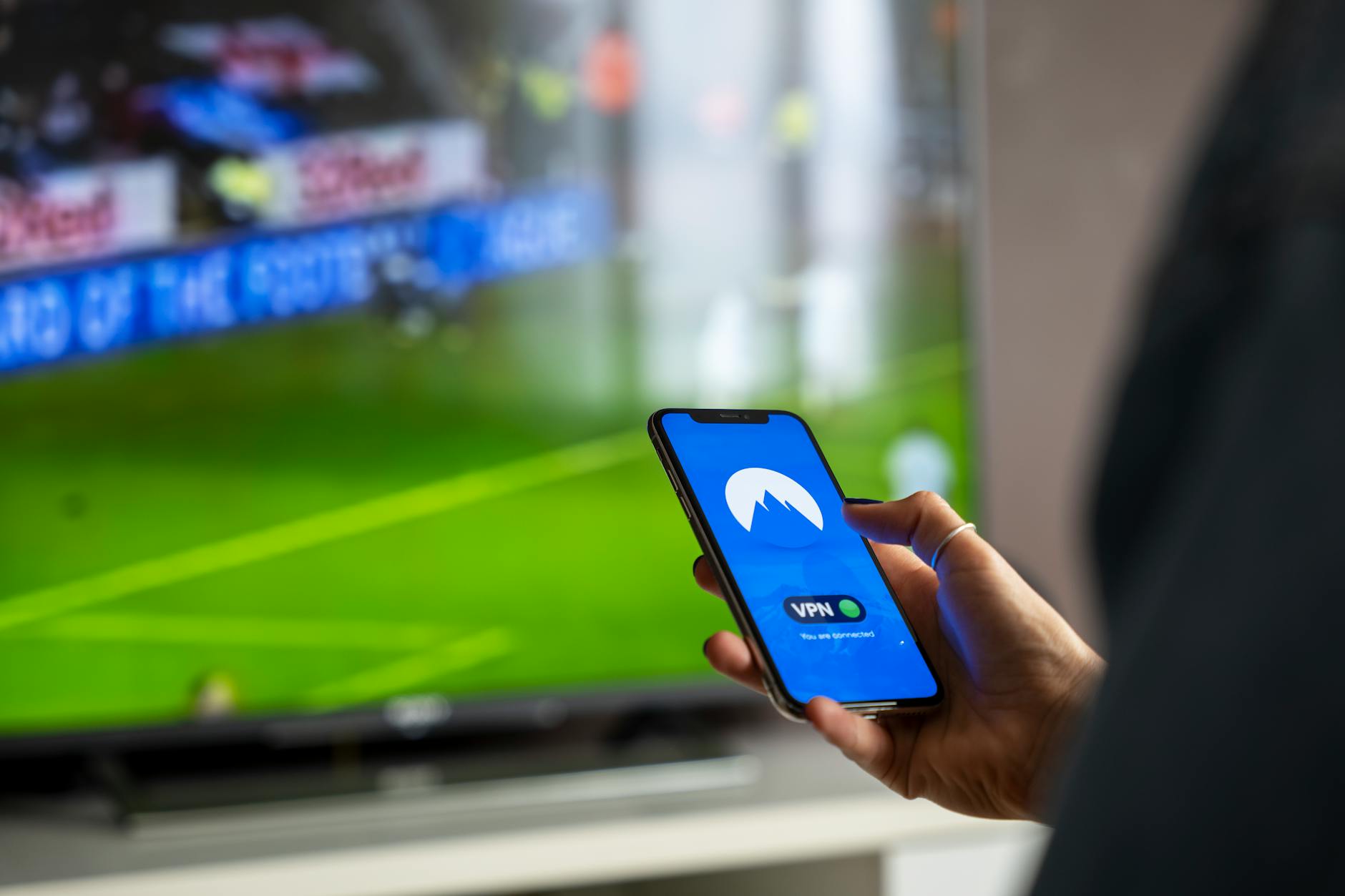
10 Best Free IPTV APK Apps for Android (2026)
The best free IPTV APK apps for Android in 2026 — ranked by features, ad load, and stream quality. Know what you're getting before you install.