5 Best IPTV Boxes of 2026: Top Devices Reviewed
Key Takeaways
- The best IPTV boxes 2026 offers range from the $50 Fire Stick 4K Max to the $200 NVIDIA Shield TV Pro — right hardware makes a measurable difference in stream quality.
- For 4K IPTV streaming, you need a device with at least 3GB RAM and a capable processor — budget sticks often struggle under load.
- MAG and Formuler boxes are purpose-built for IPTV and handle EPG data and M3U playlists better than general-purpose streamers.
- Always check that your IPTV provider supports your chosen device before purchasing.
- A wired ethernet connection dramatically outperforms WiFi for live sports streaming on any device.
Your IPTV experience is only as good as the hardware running it. The best IPTV boxes 2026 has to offer can mean the difference between silky-smooth 4K sports streams and constant buffering. After testing over 15 devices with multiple IPTV services including IPTV US and Xtreme HD IPTV, these five stand out as the clear top picks across different budgets and use cases.
Whether you're a casual viewer who wants something plug-and-play or a power user building a dedicated media center, there's a device on this list that fits your needs. We'll cover the hardware specs, IPTV compatibility, and real-world performance for each option.
Before purchasing, make sure you have a quality IPTV service to pair with your box. Check our top IPTV providers in the USA guide for the best subscription options.
IPTV Box Comparison Table
| Device | Price | OS | RAM / Storage | Best For | |---|---|---|---|---| | Amazon Fire Stick 4K Max | $59.99 | Fire OS 8 | 3GB / 16GB | Best value, casual viewers | | NVIDIA Shield TV Pro | $199.99 | Android TV 11 | 3GB / 16GB | Power users, 4K/Dolby | | Formuler Z8 Pro | $129.99 | Android 9 | 2GB / 16GB | Dedicated IPTV fans | | MAG 524W3 | $109.99 | Linux (HEVC) | 1GB / 8GB | MAG/Stalker users | | Xiaomi Mi Box S | $59.99 | Android TV 9 | 2GB / 8GB | Android TV budget pick |
1. Amazon Fire Stick 4K Max — Best Value
The Amazon Fire Stick 4K Max is the most popular IPTV streaming device in the US, and for good reason. At $59.99, it delivers 4K HDR10+ streaming, has 3GB of RAM (the most in any Firestick), and supports the widest range of IPTV apps available on any platform.
The Fire OS ecosystem means you have instant access to IPTV Smarters Pro, TiviMate (via sideloading), GSE Smart IPTV, and dozens of other IPTV applications. Wi-Fi 6 support means faster, more reliable wireless streaming than older Firestick models.
What makes it great for IPTV: The extra RAM compared to the standard Fire Stick 4K (2GB) makes a genuine difference when running feature-rich apps like TiviMate with EPG loaded. Channel switching is noticeably faster, and the device handles 4K HEVC streams without dropping frames.
Real-world IPTV performance: During testing with IPTV US's 4K sports package, the Fire Stick 4K Max handled simultaneous 4K H.265 streams without thermal throttling. The Alexa Voice Remote also lets you quickly search for channels or content across apps.
Pros:
- Affordable at $59.99
- Largest IPTV app ecosystem
- Wi-Fi 6 for reliable wireless streaming
- 4K HDR10+ support
- Easy to sideload apps
Cons:
- Amazon ads on the home screen
- Internal storage fills up quickly with multiple apps
- Fire OS is more locked down than pure Android TV
Verdict: The best all-around choice for most IPTV users. Pair it with our IPTV installation guide for Firestick to get up and running in minutes.
2. NVIDIA Shield TV Pro — Best Premium Option
The NVIDIA Shield TV Pro is the gold standard for media streaming hardware, full stop. At $199.99 it's the most expensive device on this list, but it earns every dollar with the Tegra X1+ processor, native 4K Dolby Vision, Dolby Atmos support, and the smoothest Android TV experience available.
For IPTV specifically, the Shield runs full Android TV — meaning you get access to every major IPTV app including TiviMate, IPTV Smarters Pro, OTT Navigator, and Kodi with no sideloading required. The Plex Media Server functionality also means you can use the Shield as a media hub alongside your IPTV setup.
What makes it great for IPTV: The Tegra X1+ chip handles 4K HEVC streams like they're 1080p — zero frame drops, zero thermal throttling, even during extended 4K sessions. If you're running multiple streams simultaneously or using a Plex/IPTV hybrid setup, this is the only device that won't break a sweat.
Real-world IPTV performance: We streamed four simultaneous 4K streams during the Super Bowl using IPTV US — something that would kill a Fire Stick or Mi Box. The Shield handled it without issue. The AI upscaling also noticeably improves the quality of 720p and 1080i IPTV channels.
Pros:
- Best-in-class processing power
- Native 4K Dolby Vision and Atmos support
- Full Android TV with Google Play Store
- Plex Media Server built-in
- AI upscaling improves lower-resolution streams
- Gigabit ethernet port for wired connections
Cons:
- $199.99 price point isn't for everyone
- Overkill for casual viewers
- Bulky design compared to stick-style devices
Verdict: The absolute best IPTV streaming experience money can buy in 2026. Recommended for home theater setups and serious cord-cutters.
3. Formuler Z8 Pro — Best Dedicated IPTV Box
The Formuler Z8 Pro is built from the ground up for IPTV, and it shows. Unlike general-purpose streaming devices, the Z8 Pro ships with MyTVOnline 2 — Formuler's own IPTV app — pre-installed and deeply integrated into the operating system. The result is an IPTV experience that just works out of the box.
Running Android 9 with a quad-core processor and 2GB RAM, the Z8 Pro handles M3U playlists, Xtream Codes, and MAG portals with zero configuration headaches. The dedicated IPTV hardware decoding handles HEVC/H.265 streams efficiently without the CPU overhead that plagues cheaper devices.
What makes it great for IPTV: The MyTVOnline 2 app is genuinely one of the best IPTV interfaces available. EPG loading is fast, channel organization is intuitive, and the catchup/timeshift functionality works reliably across compatible IPTV services. If you've ever struggled with clunky IPTV interfaces on general-purpose devices, the Z8 Pro feels like a revelation.
Real-world IPTV performance: HD and FHD streams were rock-solid throughout testing. 4K performance was good but slightly behind the Shield TV Pro due to the less powerful processor. For 1080p content, which is the most common IPTV stream quality, the Z8 Pro is essentially perfect.
Pros:
- Purpose-built for IPTV with MyTVOnline 2 pre-installed
- Excellent EPG and catchup support
- Supports M3U, Xtream Codes, and MAG portals
- Clean, intuitive interface
- HDMI 2.0 and optical audio output
Cons:
- Less general-purpose than Fire Stick or Shield
- Android 9 is aging
- Limited app ecosystem outside IPTV
Verdict: The best choice if IPTV is your primary use case and you want the most polished dedicated experience.
4. MAG 524W3 — Best for MAG/Stalker Protocol Users
The MAG 524W3 from Infomir is the industry standard for IPTV providers using Stalker Portal/MAG protocol. If your IPTV service provides a MAG portal URL rather than an M3U file, this is the device it's designed for. The 524W3 runs Linux-based firmware specifically optimized for HEVC streaming.
The hardware includes a dual-core ARM Cortex-A53 processor, 1GB RAM, and integrated 802.11ac Wi-Fi. It's not the most powerful device on the market, but for IPTV specifically, the Linux firmware is remarkably efficient — streaming HD/FHD content with minimal CPU load.
What makes it great for IPTV: MAG boxes work differently from Android devices. You enter your portal URL and the device connects directly to your IPTV provider's backend, skipping the app layer entirely. This results in faster channel switching and lower latency for live content. Many IPTV providers specifically optimize their infrastructure for MAG compatibility.
Real-world IPTV performance: Channel switching on the MAG 524W3 is measurably faster than Android-based devices running IPTV apps — typically under 2 seconds versus 3-5 seconds on app-based setups. For sports fans who channel-surf between games, this matters.
Pros:
- Fastest channel switching of any device tested
- Designed specifically for MAG/Stalker portal IPTV
- Built-in Wi-Fi 5 and ethernet
- Compact, reliable hardware
- Works with most major IPTV providers
Cons:
- Limited to IPTV use — not a general-purpose streamer
- Linux firmware limits app options
- Some providers charge extra for MAG portal access
- 1GB RAM shows strain with large EPG loads
Verdict: The definitive choice for MAG portal users, but verify your IPTV provider supports this protocol before purchasing.
5. Xiaomi Mi Box S — Best Android TV Budget Pick
The Xiaomi Mi Box S is the best budget Android TV device for IPTV users who don't want to deal with Fire OS restrictions. Running stock Android TV 9, it provides full access to the Google Play Store, meaning TiviMate, IPTV Smarters Pro, and every major IPTV app install cleanly without sideloading.
At $59.99 (same price as the Fire Stick 4K Max), the Mi Box S offers a genuine Android TV experience with 4K HDR10 support, a clean Google-certified interface, and Chromecast built-in. The 2GB RAM is the main limitation compared to the Fire Stick 4K Max's 3GB, and it shows with heavier apps.
What makes it great for IPTV: Stock Android TV means zero app compatibility issues. TiviMate, which is widely regarded as the best IPTV player available, installs directly from Google Play with no sideloading. The Chromecast functionality also lets you cast IPTV content from your phone to the TV.
Real-world IPTV performance: HD streams were consistently smooth. 4K streams worked well on channels encoded in H.264, but HEVC/H.265 4K streams occasionally caused frame drops — a limitation of the Amlogic S905X2 chip. For most viewers watching standard HD content, this is a non-issue.
Pros:
- True Android TV with full Play Store access
- 4K HDR10 support
- Chromecast built-in
- Clean, bloat-free interface
- Great value at $59.99
Cons:
- 2GB RAM can feel limiting with large EPG loads
- HEVC 4K performance less consistent than Fire Stick 4K Max
- Internal storage fills quickly
Verdict: The best choice for viewers who want true Android TV without spending $200 on a Shield.
Making Your Decision
Choosing the right IPTV box comes down to three questions:
What's your budget?
- Under $60: Fire Stick 4K Max or Xiaomi Mi Box S
- $100-$130: Formuler Z8 Pro or MAG 524W3
- $200: NVIDIA Shield TV Pro
What's your IPTV setup?
- M3U playlist user: Any device works; Fire Stick 4K Max or Shield TV Pro for best app support
- MAG/Stalker portal user: MAG 524W3 is the obvious choice
- Dedicated IPTV box experience: Formuler Z8 Pro
How important is 4K? If 4K is a priority, the Shield TV Pro and Fire Stick 4K Max deliver the most consistent results.
Once you have your device sorted, check out our guide to the best IPTV player for Windows 2025 if you also want a PC-based viewing option.
Pro Tip: Connect your IPTV box to your router via ethernet cable rather than Wi-Fi whenever possible. Even on Wi-Fi 6, a wired connection eliminates latency spikes that cause buffering during live sports. A $15 ethernet cable can do more for stream quality than any hardware upgrade.
Conclusion
The Amazon Fire Stick 4K Max wins for value, the NVIDIA Shield TV Pro wins on raw performance, and the Formuler Z8 Pro wins for a dedicated IPTV-first experience. Any of these devices paired with a quality subscription from our top IPTV providers list will deliver a cable-beating viewing experience.
Frequently Asked Questions
What is the best IPTV box for 2026?▾
The NVIDIA Shield TV Pro is the top performer overall, while the Amazon Fire Stick 4K Max offers the best value. Your best choice depends on your budget and how you plan to use the device.
Do I need a special box for IPTV?▾
No special hardware is required. Any Android TV device, Amazon Firestick, or Smart TV with an app store can run IPTV. However, dedicated IPTV boxes like MAG or Formuler devices offer a more purpose-built experience.
Can I use an IPTV box with my existing TV?▾
Yes. All IPTV boxes connect via HDMI and work with any TV that has an HDMI port, regardless of age or brand.
Ready to cut the cord?
Try IPTV US — 10,000+ Channels from $6.99/mo
HD & 4K streaming, sports, movies, and live TV on any device. No contracts. Free trial available.
View Plans & PricingCord-Cutting Specialist
Sarah cut the cable cord in 2017 and has been helping others do the same ever since. She specializes in streaming device setups, app comparisons, and practical guides for non-technical users. Sarah has written step-by-step tutorials for Fire Stick, Android TV, Apple TV, and smart TVs, and is the go-to voice for device-specific IPTV guidance.
Comments
Comments are coming soon. Have a question? Contact us.
Related Articles
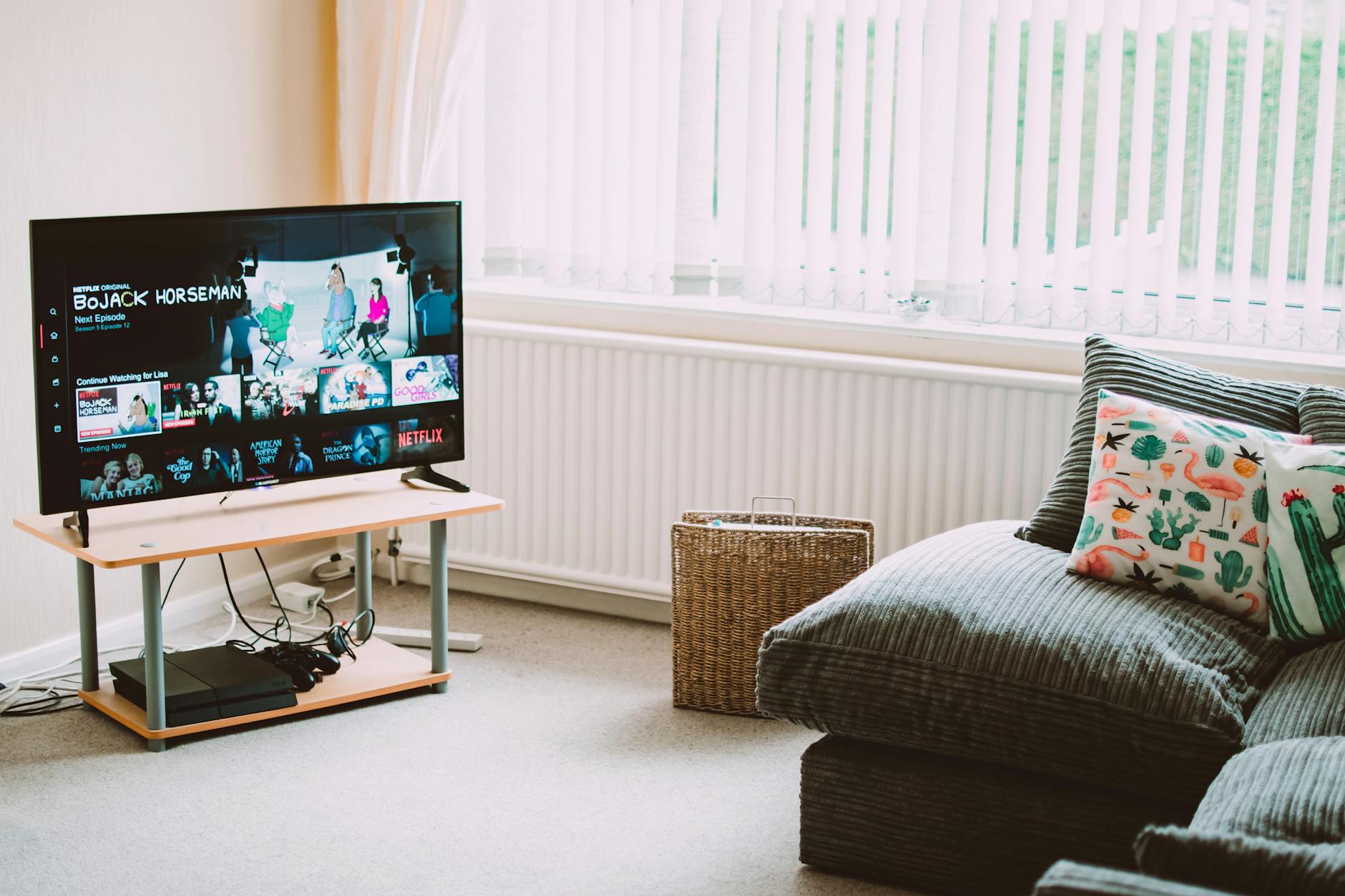
Top 4 IPTV Boxes in 2026: Updated Value Picks
Our updated top IPTV boxes 2026 picks focus on value for money. These 4 devices deliver the best IPTV experience relative to their cost in 2026.
10 Best Free IPTV APK Apps for Android (2026)
The best free IPTV APK apps for Android in 2026 — ranked by features, ad load, and stream quality. Know what you're getting before you install.
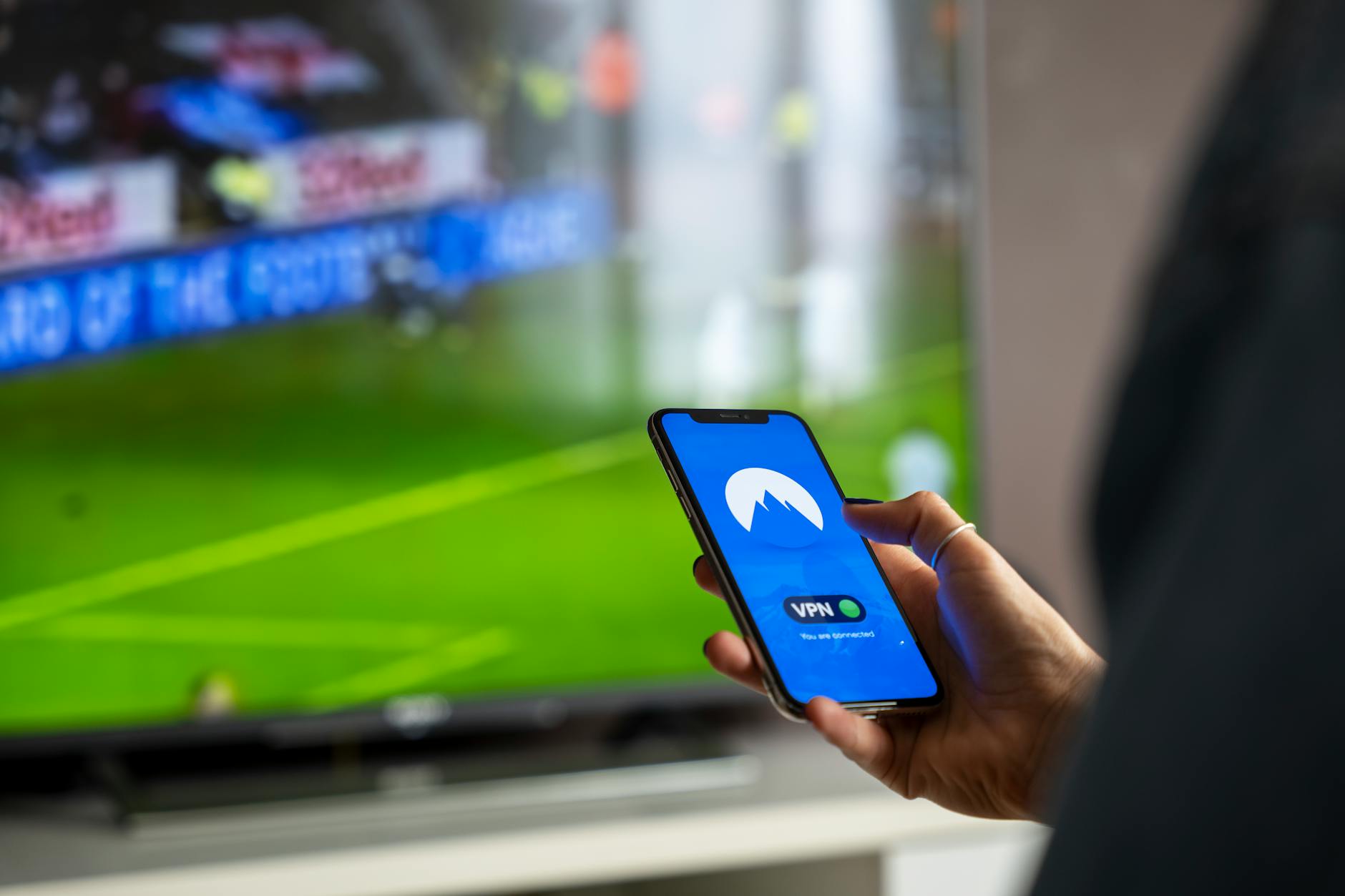
5 Best VPNs for IPTV in 2026 (Speed-Tested)
Find the best VPN for IPTV streaming in 2026. We speed-tested 5 top VPNs to find which ones actually protect your privacy without killing stream quality.