Best IPTV Player for Fire Stick in 2026 (Top 5 Picks)
Key Takeaways
- The best IPTV player for Fire Stick depends on your priorities: ease of use, interface quality, or advanced features
- IPTV Smarters Pro is the top pick for beginners due to its simple setup and free availability
- TiviMate offers the most polished TV-like interface but requires sideloading
- Perfect Player and OTT Navigator cater to power users who want maximum customization
- GSE Smart IPTV is the best choice for managing multiple playlists in one place
With dozens of IPTV apps available, choosing the best IPTV player for Fire Stick can feel overwhelming. Not all apps are created equal — some are feature-rich but hard to navigate on a TV remote, while others are beginner-friendly but lack advanced options. In this guide, we've tested and ranked the top five IPTV players specifically for the Fire Stick experience in 2026.
We tested each app based on installation ease, interface quality, feature set, remote compatibility, playback performance, and value for money. Whether you're just getting started or looking to upgrade from your current app, this list has the right pick for you.
Before diving in, make sure you have a quality IPTV subscription. The best app in the world won't save a poor-quality stream. Check our top 5 IPTV providers in the USA for reliable, licensed options.
Quick Comparison: Top 5 IPTV Players for Fire Stick
| App | Free / Paid | Ease of Use | Key Features | Our Rating | |---|---|---|---|---| | IPTV Smarters Pro | Free | ★★★★★ | M3U, Xtream, VOD, EPG, Catch-Up | 9.2/10 | | TiviMate | Free + $5/yr Premium | ★★★★☆ | Best UI, Multi-playlist, EPG | 9.5/10 | | Perfect Player | Free | ★★★☆☆ | Customizable, lightweight | 8.1/10 | | GSE Smart IPTV | Free + In-App | ★★★★☆ | Multi-list, m3u editor, DLNA | 8.4/10 | | OTT Navigator | Free + $4 Premium | ★★★★☆ | Auto-sort, catch-up, smart EPG | 8.7/10 |
1. IPTV Smarters Pro — Best Overall for Beginners
IPTV Smarters Pro is the most widely used IPTV player for Fire Stick and for good reason. It supports M3U URLs, Xtream Codes API, and MAG portal logins, covering virtually every IPTV provider format on the market. The interface is clean, well-organized, and navigates smoothly with the Fire Stick remote.
What we love:
- Available for free — no hidden costs
- Supports all three major connection methods (M3U, Xtream, MAG)
- Built-in EPG (Electronic Program Guide) with grid view
- VOD and Series sections with cover art
- Parental controls for family households
- Multiple user profiles within a single installation
What could be better:
- The interface, while functional, doesn't quite match TiviMate's polish
- Occasional slowness when loading large channel lists (5,000+ channels)
Best for: Anyone new to IPTV on Fire Stick who wants a reliable, zero-cost solution.
Pro Tip: When you first load IPTV Smarters on Fire Stick, go to Settings → Player and switch the default player to ExoPlayer. This dramatically reduces buffering on most streams.
Installation: Sideload via Downloader app. See our full walkthrough in how to install IPTV on Fire Stick.
2. TiviMate — Best Interface and TV Experience
TiviMate is the gold standard for IPTV on Fire Stick. If you've ever wished your IPTV looked as polished as a cable TV guide, TiviMate delivers exactly that. The channel grid, now-playing overlay, and program guide are all beautifully designed and feel native to a TV environment.
What we love:
- Stunning, cable-TV-like EPG grid interface
- Picture-in-picture mode (watch and browse simultaneously)
- Multiple playlist support with the Premium plan
- Catch-up and recordings (requires provider support)
- Auto-start on Fire Stick boot
- Smooth performance even with 10,000+ channel lists
What could be better:
- Not available in the Amazon Appstore — requires sideloading
- Free version limits you to one playlist; Premium costs ~$5/year
Best for: Users who want the best possible TV viewing experience and don't mind sideloading.
Installation: Download TiviMate Companion or the APK via Downloader from the official TiviMate website. See our sideloading guide for step-by-step instructions.
3. Perfect Player — Best Lightweight Option
Perfect Player is a no-frills IPTV app that's been around for years. It's lightweight, fast, and highly customizable — but the interface requires more setup than Smarters or TiviMate. Think of it as the "power user" option that rewards configuration time.
What we love:
- Very lightweight — runs smoothly on older Fire Stick models
- Highly customizable layout and settings
- Supports M3U and XSPF playlists
- Built-in EPG support
- Completely free with no in-app purchases
What could be better:
- The default interface feels dated
- Setup is less intuitive for beginners
- No native Xtream Codes support (requires M3U URL)
Best for: Users with older Fire Stick models or those who prefer a minimal, fast app they can configure exactly how they want.
4. GSE Smart IPTV — Best for Multiple Playlists
GSE Smart IPTV shines when you have multiple IPTV subscriptions or large M3U playlists you want to manage in one place. The app includes a built-in M3U editor, DLNA support for local media, and a solid remote connection manager.
What we love:
- Manage unlimited playlists from a single app
- Built-in M3U/M3U8 editor for tweaking your playlist
- DLNA and Chromecast support
- Supports Xtream Codes and M3U
- Robust external player integration (MX Player, VLC)
What could be better:
- The interface is less polished than TiviMate
- Some advanced features are locked behind a paid upgrade
- Can feel cluttered with many playlists loaded
Best for: Power users who manage multiple IPTV subscriptions or want a playlist editor built into their player.
5. OTT Navigator — Best Rising Contender
OTT Navigator has rapidly grown in popularity and deserves serious consideration in 2026. It combines a clean interface with powerful features like auto-genre sorting, detailed catch-up integration, and smart EPG mapping. The premium upgrade at around $4 is excellent value.
What we love:
- Intelligent auto-sorting of channels by genre
- One of the best catch-up implementations available
- Smart EPG matching even for unlabeled channels
- Supports M3U, Xtream Codes, and Stalker Portal
- Active development with frequent updates
What could be better:
- Less name recognition means fewer tutorials and community resources
- Some features require the paid Premium version
Best for: Users who want a modern, actively developed alternative to Smarters or TiviMate with strong catch-up support.
Which IPTV Player Should You Choose?
Here's a simple decision guide:
- You're brand new to IPTV → Start with IPTV Smarters Pro
- You want the best-looking interface → Go with TiviMate Premium
- You have an older Fire Stick → Use Perfect Player
- You manage multiple subscriptions → Pick GSE Smart IPTV
- You want the best catch-up experience → Try OTT Navigator
All five apps support standard M3U URLs and will work with any quality IPTV provider. The key is matching the app to your usage style and technical comfort level.
Setting Up Any IPTV App on Fire Stick
Regardless of which app you choose, the general setup process is the same:
- Enable Apps from Unknown Sources in Developer Options
- Install the Downloader app from the Amazon Appstore
- Use Downloader to fetch the APK from the app's official website
- Install the APK and open the app
- Enter your M3U URL or Xtream Codes credentials
- Load your channel list and configure EPG
For a detailed walkthrough of this process, see our complete Fire Stick IPTV installation guide.
If you experience buffering after setup, our IPTV buffering fix guide covers every solution.
A Note on Legality
All five apps listed here are legitimate software players — they don't come pre-loaded with any channels or streams. The legality of your IPTV experience depends entirely on your content provider. Use a licensed service that has the rights to broadcast the channels they offer. Read more in our guide: Is IPTV legal in the USA?
Conclusion
The best IPTV player for Fire Stick in 2026 is TiviMate if you want the premium experience, or IPTV Smarters Pro if you want the easiest free option. Both apps are widely supported by IPTV providers and offer everything you need for a great streaming setup.
No matter which app you pick, the real foundation of a great IPTV experience is your subscription. Invest in a quality, licensed provider — see our top 5 IPTV providers in the USA — and pair it with one of these players for a setup that rivals traditional cable TV.
Frequently Asked Questions
What is the best free IPTV player for Fire Stick?▾
IPTV Smarters Pro offers the best free experience on Fire Stick with full M3U and Xtream Codes support, EPG, VOD, and a clean interface — all at no cost.
Can I use TiviMate on Fire Stick?▾
Yes. TiviMate is not on the Amazon Appstore, but you can sideload it using the Downloader app. It's widely regarded as the best-looking IPTV player for Fire Stick.
Do IPTV players work with any provider?▾
Most IPTV players support standard M3U URLs and Xtream Codes API, which are the two most common formats used by IPTV providers. Check with your provider for compatibility.
Ready to cut the cord?
Try IPTV US — 10,000+ Channels from $6.99/mo
HD & 4K streaming, sports, movies, and live TV on any device. No contracts. Free trial available.
View Plans & PricingCord-Cutting Specialist
Sarah cut the cable cord in 2017 and has been helping others do the same ever since. She specializes in streaming device setups, app comparisons, and practical guides for non-technical users. Sarah has written step-by-step tutorials for Fire Stick, Android TV, Apple TV, and smart TVs, and is the go-to voice for device-specific IPTV guidance.
Comments
Comments are coming soon. Have a question? Contact us.
Related Articles
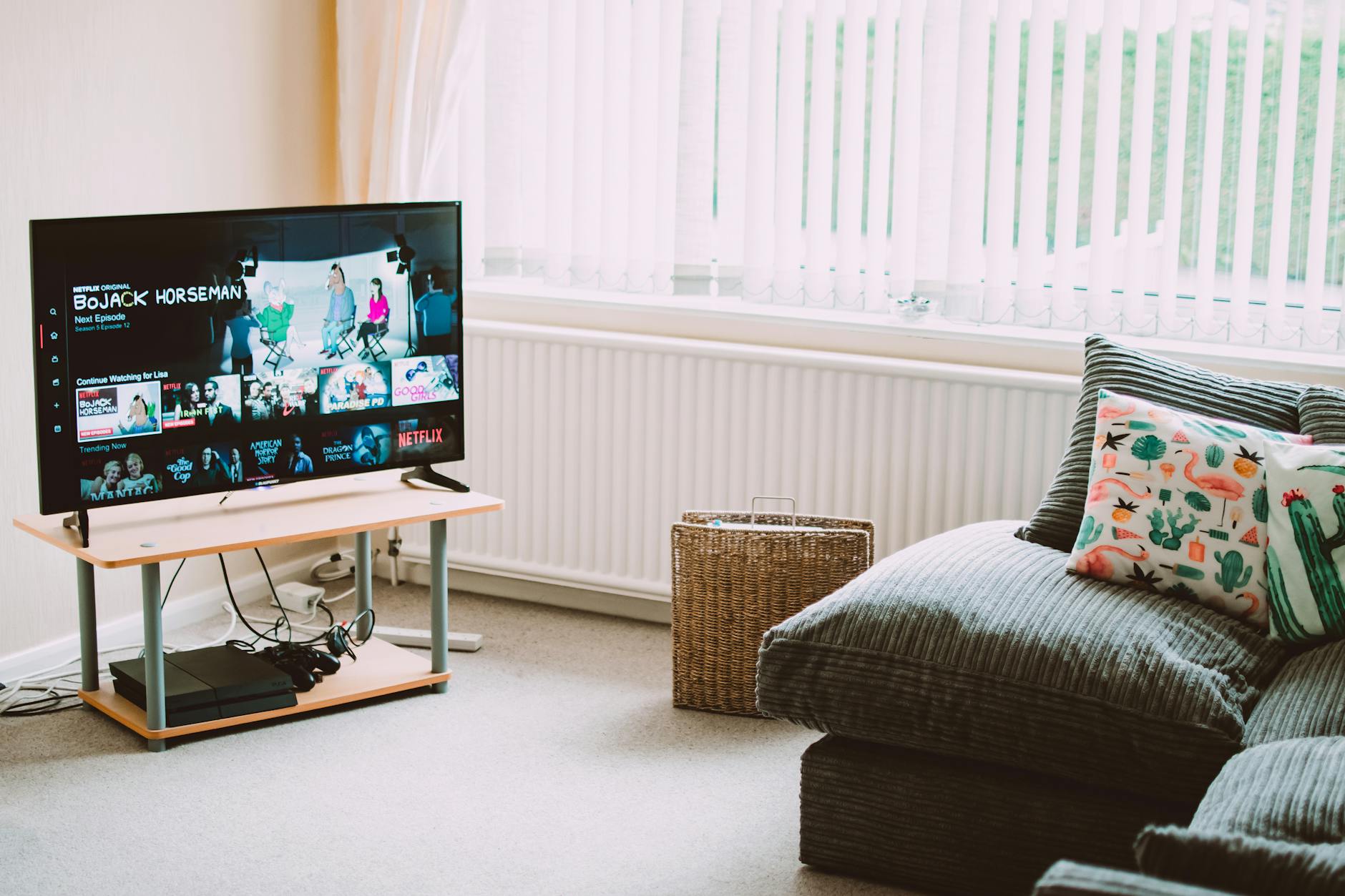
5 Best IPTV Boxes of 2026: Top Devices Reviewed
Looking for the best IPTV boxes 2026 has available? We tested 15+ devices and picked the top 5 for streaming performance, price, and compatibility.
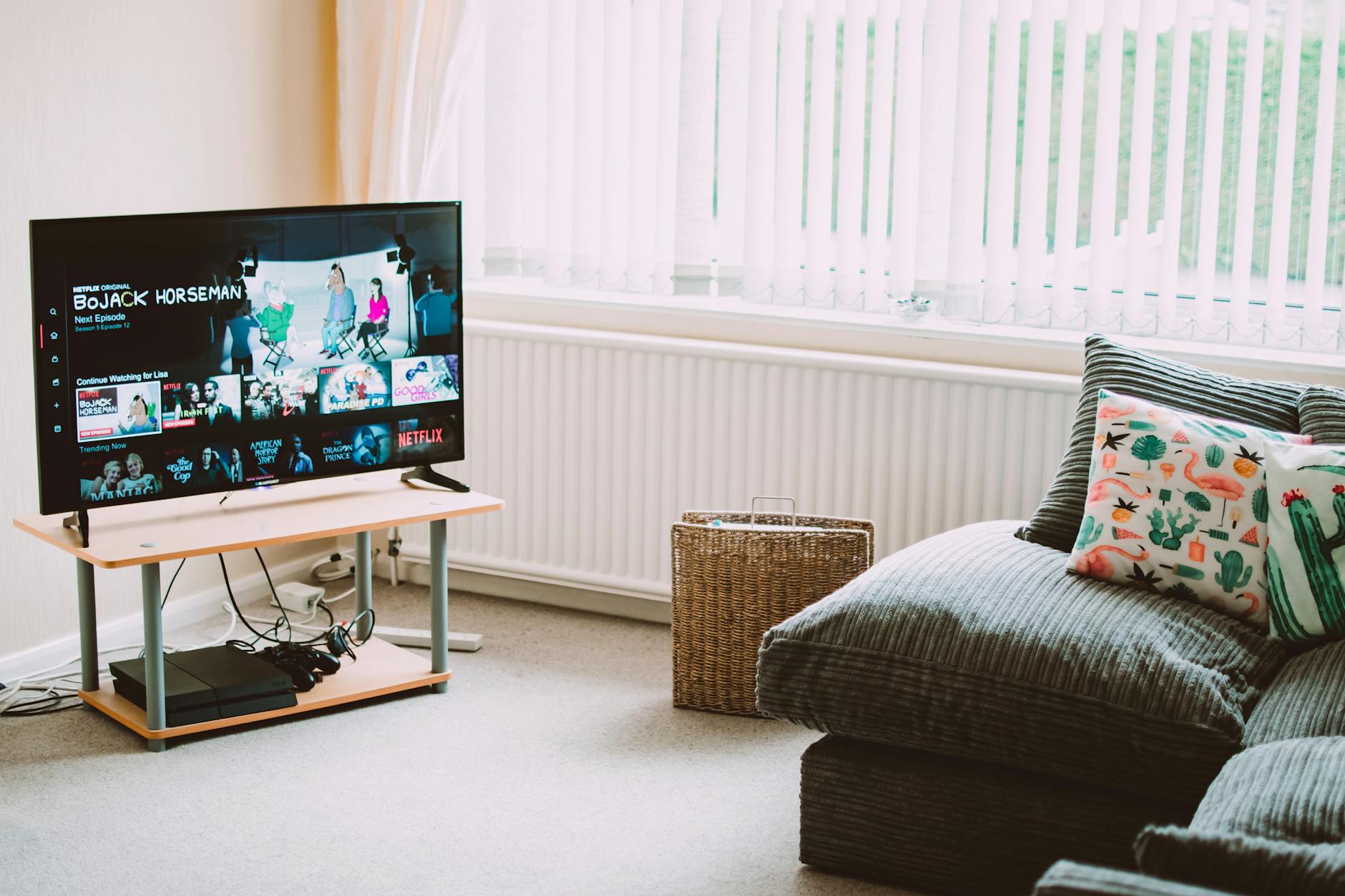
Top 4 IPTV Boxes in 2026: Updated Value Picks
Our updated top IPTV boxes 2026 picks focus on value for money. These 4 devices deliver the best IPTV experience relative to their cost in 2026.
10 Best Free IPTV APK Apps for Android (2026)
The best free IPTV APK apps for Android in 2026 — ranked by features, ad load, and stream quality. Know what you're getting before you install.